Step 1 of 6The agents
Create the work order
A request arrives — a customer's call, a machine alert, a crew's field report. The agents turn it into a work order: what, where, how urgent, which parts and skills, by when.
Work requests become scheduled, coordinated jobs. The agents report what ran, flag exceptions the moment they happen, and your operations lead decides what to do about them.
AI-native delivery. Human accountability.
Operations Agents · one workflow, start to finish
Requests become scheduled, coordinated jobs; what ran is reported; what went wrong is flagged as it happens. Your operations lead decides every exception, with the picture in front of them.
One day's work, from the request to the decision. The ringed step waits for your operations lead.
A request arrives — a customer's call, a machine alert, a crew's field report. The agents turn it into a work order: what, where, how urgent, which parts and skills, by when.
The crews are scheduled: the right skills to the right site, routes ordered to spend the day working, parts reserved. When something changes, the schedule changes with it.
During the job, the hand-offs between teams — the part from the store, the permit, the customer's sign-off — are tracked and chased, so the office knows without calling.
At the end of the day — or whenever you ask — the report is assembled from what actually happened: what ran, what did not and why, what is due tomorrow.
An exception — a wrong part, a held crew, a reading out of range — is flagged the moment it happens, with what it affects and the options found. Now, not in tomorrow's report.
Your operations lead decides — send the driver, reschedule, tell the customer — with the crews, the stock and the options in front of them. The agents carry it out.
A request arrives — a customer's call, a machine alert, a crew's field report. The agents turn it into a work order: what, where, how urgent, which parts and skills, by when.
The crews are scheduled: the right skills to the right site, routes ordered to spend the day working, parts reserved. When something changes, the schedule changes with it.
During the job, the hand-offs between teams — the part from the store, the permit, the customer's sign-off — are tracked and chased, so the office knows without calling.
At the end of the day — or whenever you ask — the report is assembled from what actually happened: what ran, what did not and why, what is due tomorrow.
An exception — a wrong part, a held crew, a reading out of range — is flagged the moment it happens, with what it affects and the options found. Now, not in tomorrow's report.
Your operations lead decides — send the driver, reschedule, tell the customer — with the crews, the stock and the options in front of them. The agents carry it out.
Every request a complete work order
Right people, right site, right parts
Hand-offs tracked and chased
Planned from each asset's plan
The crew's day on their phone
What ran, what is due
Flagged the moment it happens
Operations is judgement under time pressure; the agents bring the picture, a person decides.
Automate what should be automated. Keep humans in control where decisions matter.
Every exception the agents flag.
Any job without its permit, check or qualified person.
Any promise to a customer beyond the windows you set.
An incident, a complaint on site, a reported hazard.
Nothing — it is there to read.
Work orders and assets live in your ERP; crews work from the field app; the picture shows on your dashboards.
 OpenAI
Also insideMicrosoft Dynamics 365 · Power Automate · Power BI · Your internal systems
Named as the systems the work runs inside — no partnership, reseller or certified status is claimed.


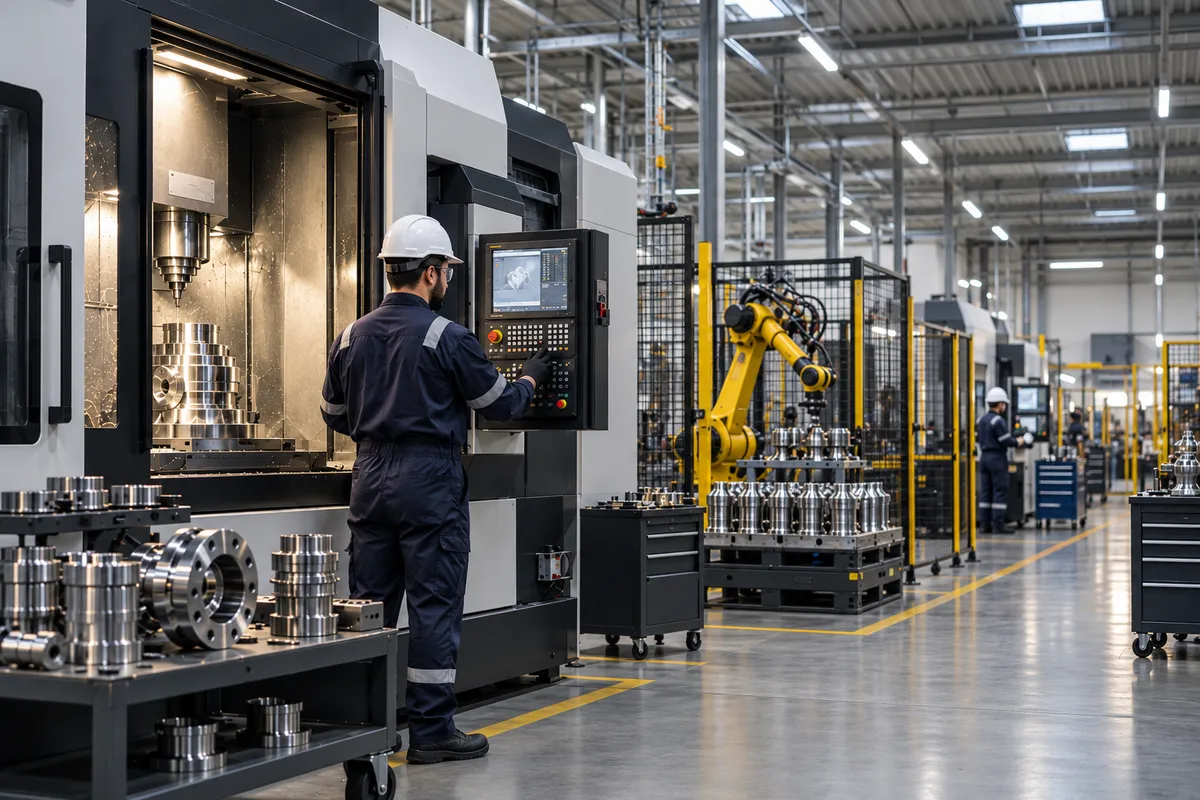



Sometimes the new process needs the software that runs it. We build it as part of the same solution — one business transformation, not five disconnected technical services.
An operations transformation can be the Operations Agents, a field app, an operations console, a live dashboard and the ERP integration — sold and delivered as one.
We start from one day as it really runs — where requests come from, who schedules, who calls whom, what went wrong last week.
Drawn as it really runs — every hand-off, exception and approval
Which steps run on their own, which wait for a person, and what each agent may do
The agents, the automations and the software around them, inside your systems
It runs beside the current way first; you decide when it takes over
Monitoring, logs and alerts from day one; tuned on what actually happens
Every engagement is scoped around your process — nothing here is a fixed package.
Within the rules you set — re-ordering a route, filling a gap. Anything that breaks a customer window, a safety rule or a fixed priority waits for the operations lead.
Then the agents work on WhatsApp, which crews already use. A field app is built when it earns its place.
Alerts from machines and sensors become work orders by your rules. Where readings already reach a system, we connect to it.
No — it gives them the picture. The agents schedule, chase and report; the lead keeps every decision that matters.
Your safety rules are gates: a job without its permit or qualified person is held until a person clears it; a reported hazard is escalated at once.
Scoped and priced on request — it depends on your sites, crews, systems and the software built around the agents.
Before you go
Bring last week's worst day and the call that ended it. We will map the path, then build the agents that run it.